Short-form video clips
Review vertical reels and landscape highlights, apply the matching show’s brand kit and edit timed captions. Self-serve short exports are no longer than 60 seconds. Finished clips download as MP4 files for manual posting.
Video Podcast Maker
Turn your recorded interview into a reviewed full episode, captioned short clips and editable promotion drafts. Keep the original speakers and voices, with human approval before video rendering.
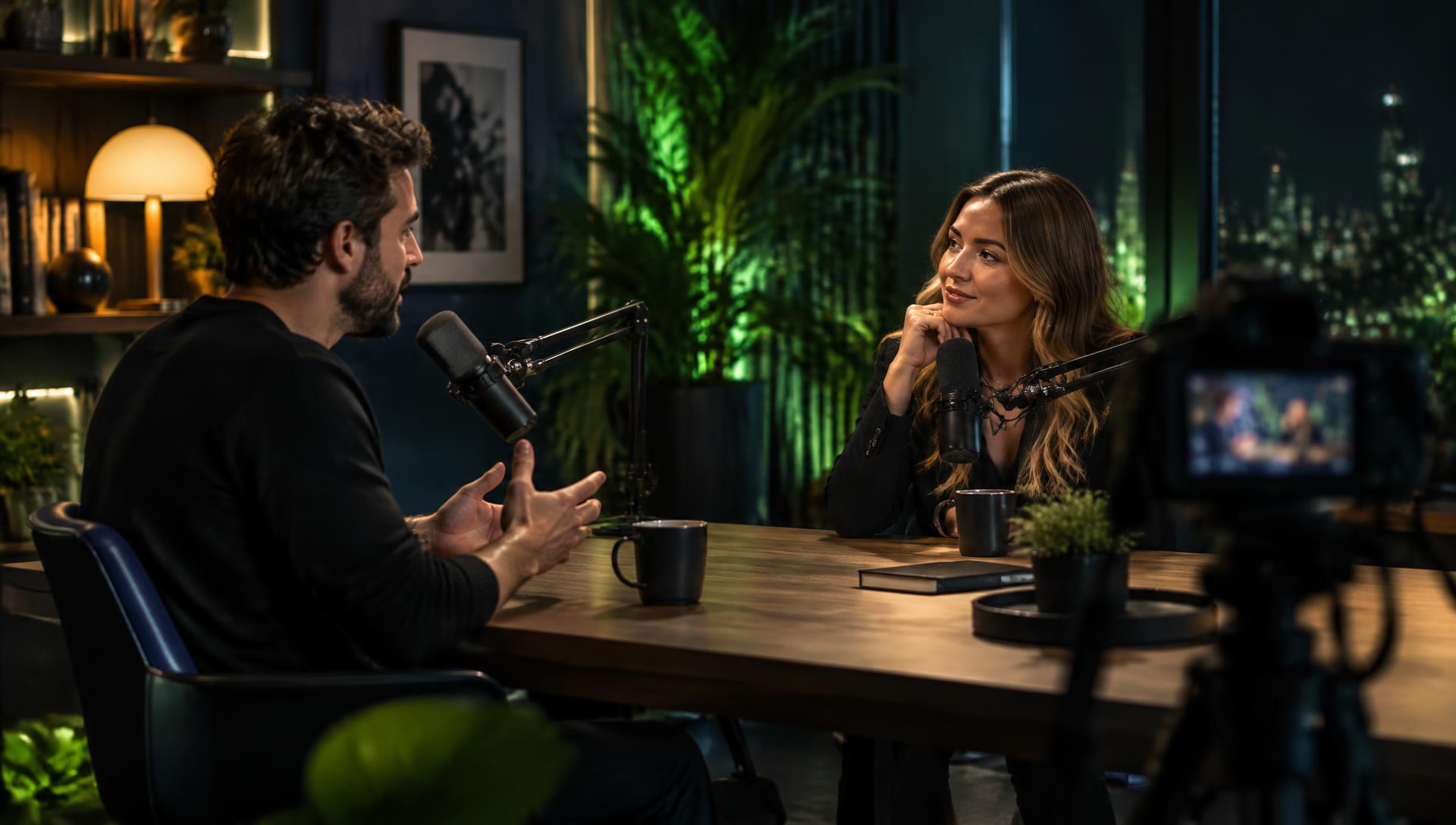
Request a free demoIllustrative studio image. Access is currently by invitation; request a demo to explore the workflow.
Upload your podcast or Zoom recording and add the actual show, host and guest details. A timed transcript anchors highlight suggestions and captions to the source footage. Review suggested moments, adjust clip timings and correct caption text before deciding what to export.
Review vertical reels and landscape highlights, apply the matching show’s brand kit and edit timed captions. Self-serve short exports are no longer than 60 seconds. Finished clips download as MP4 files for manual posting.
Arrange a non-destructive timeline with a cold open, intro, chapters, eligible commercials and outro. Review the finished duration and cost estimate before approving a 1080p episode render. Full-episode rendering is separate from short-export packages.
Prepare editable show notes, blog posts, newsletters, guest emails and social copy from the episode transcript and verified metadata. Copy or download the drafts into your own publishing tools. Planned posting dates are reminders for your workflow, not automatic social publishing.
Want to see how your interview fits this process? Request a free demo or explore Video Podcast Maker.